If you have any questions or would like to request any changes, simply contact us at contact@dubavision.com or message us on Instagram @dubavision.
How it works

  1. Step 1 Choose your plan

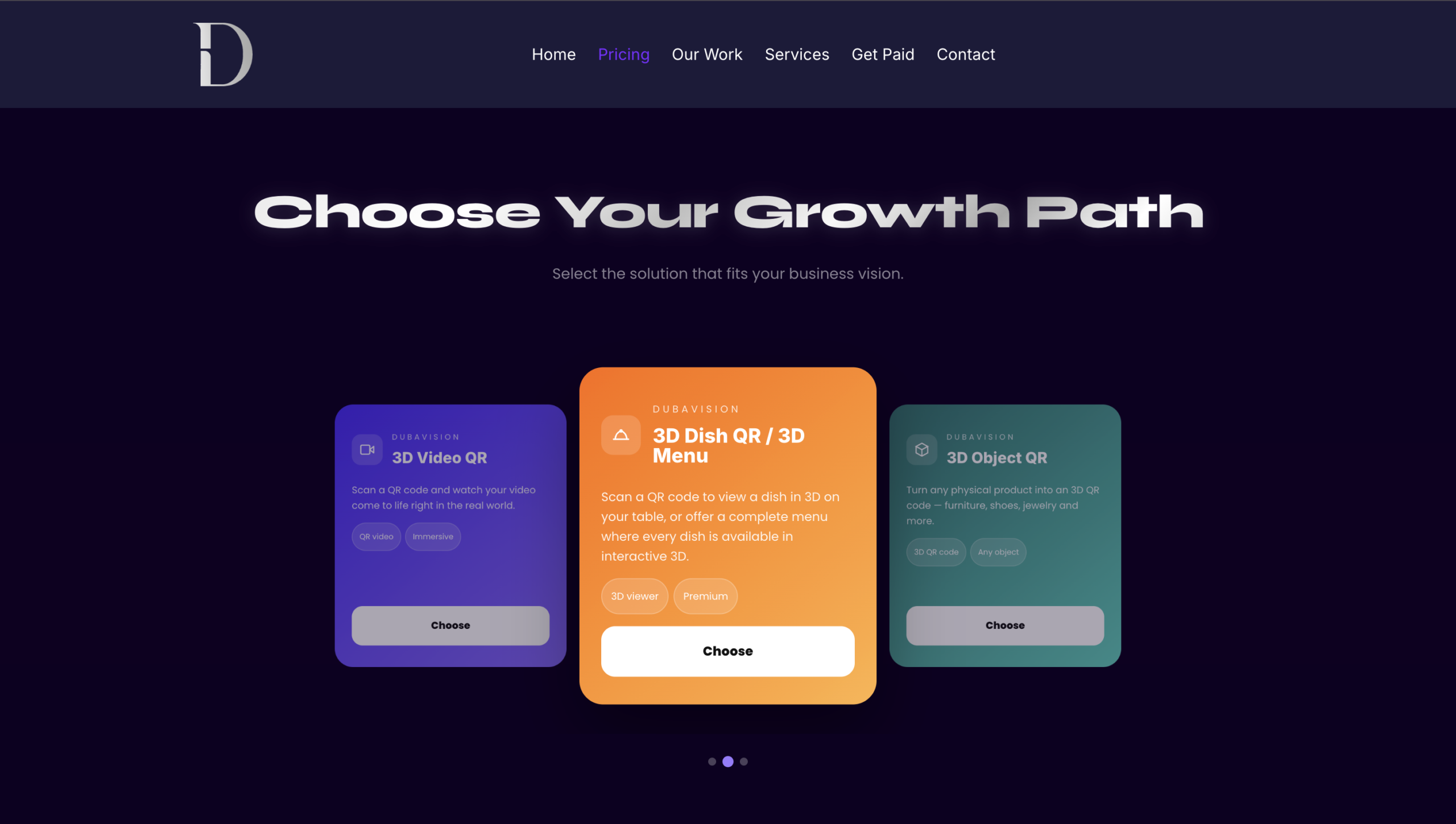
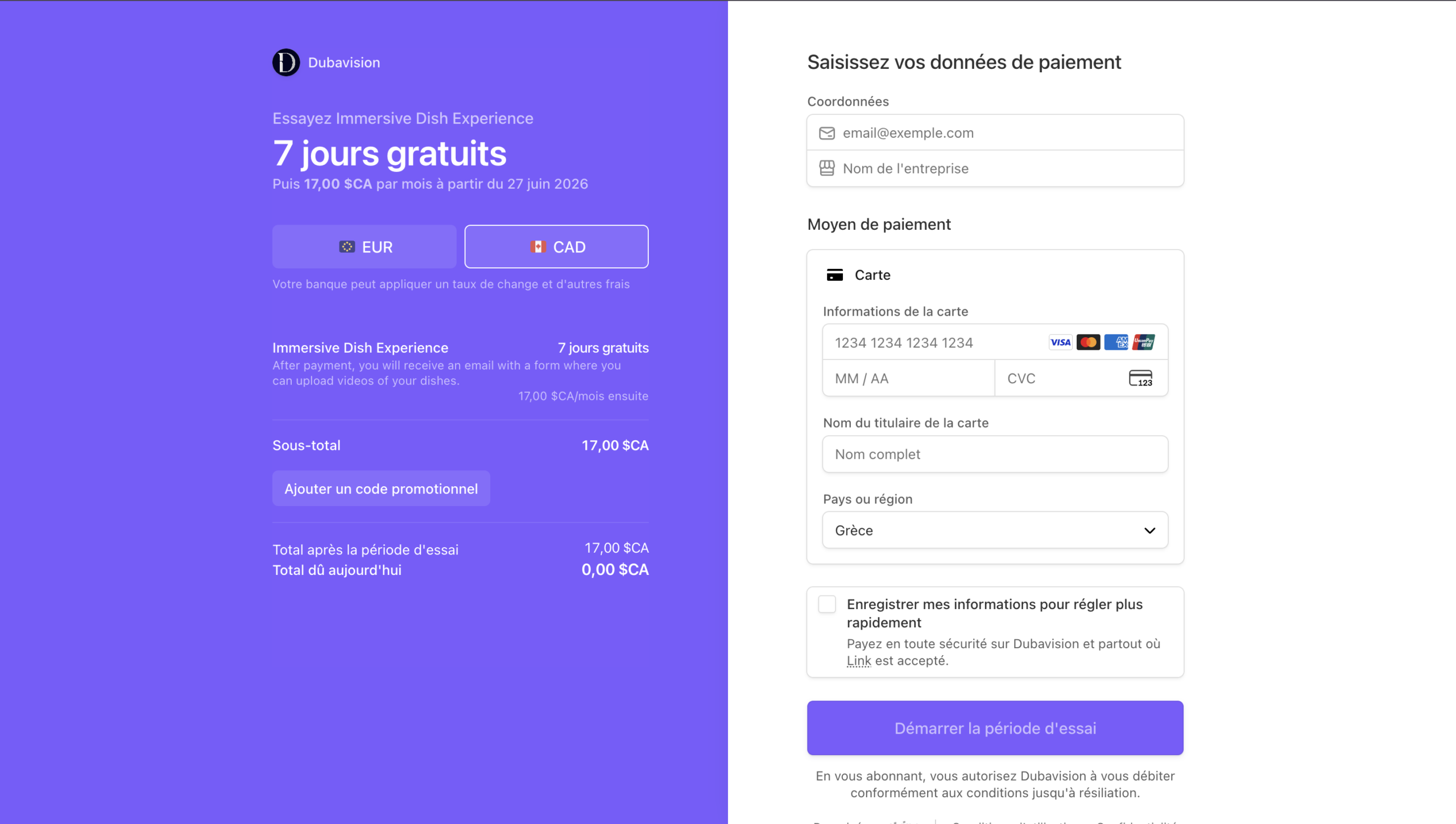
    Pick Subscription or One-time payment for your 3D Menu.

  2. Step 2 Receive the form by email

    After your purchase, you receive an email with a short form to fill out. In this form, you will be asked to provide the dishes you would like to have in 3D, along with key information about your restaurant (menu files, logo, etc.), so we can start creating your 3D menu.

  3. Step 3 Film your dishes & send us the videos

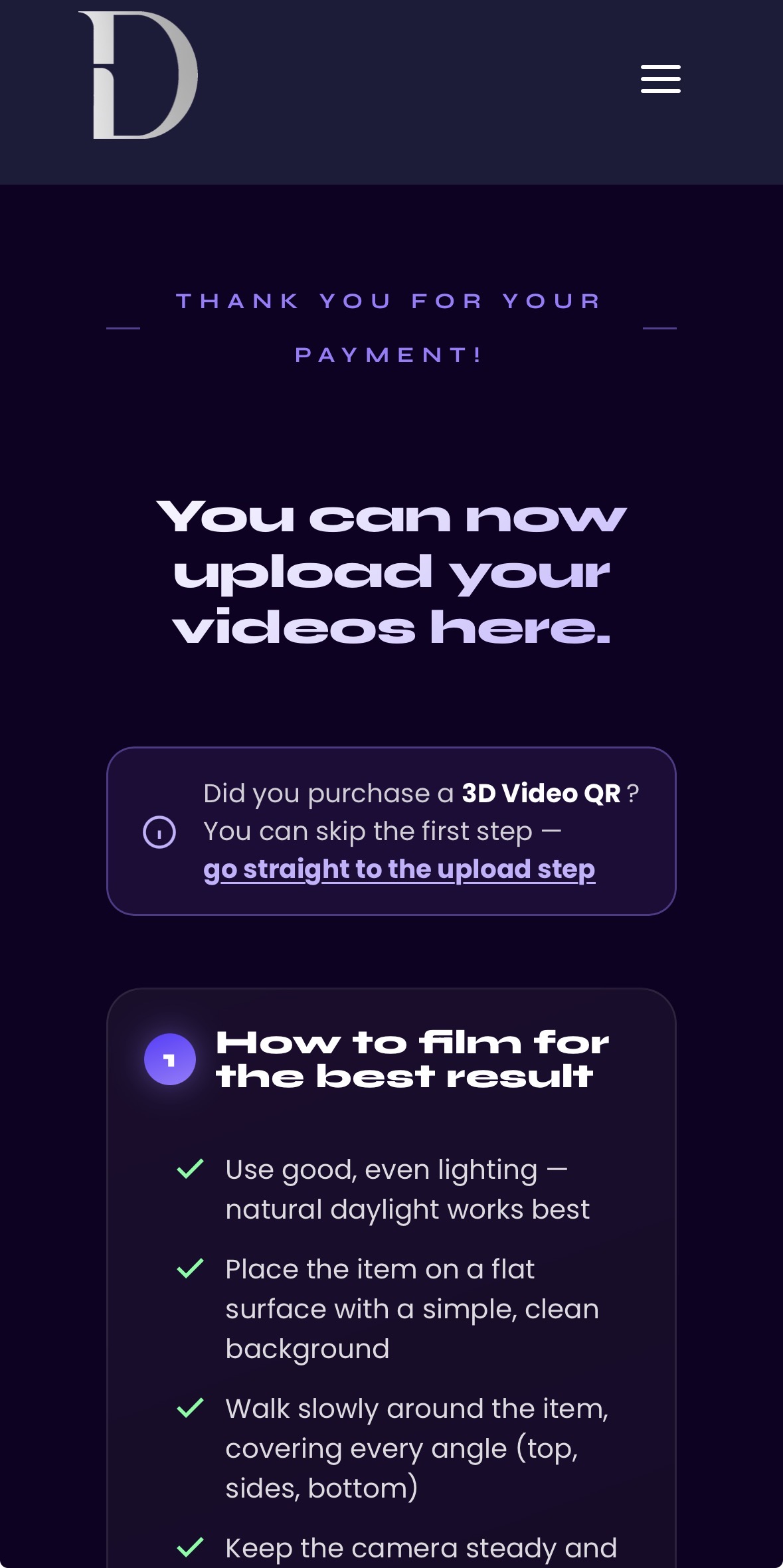
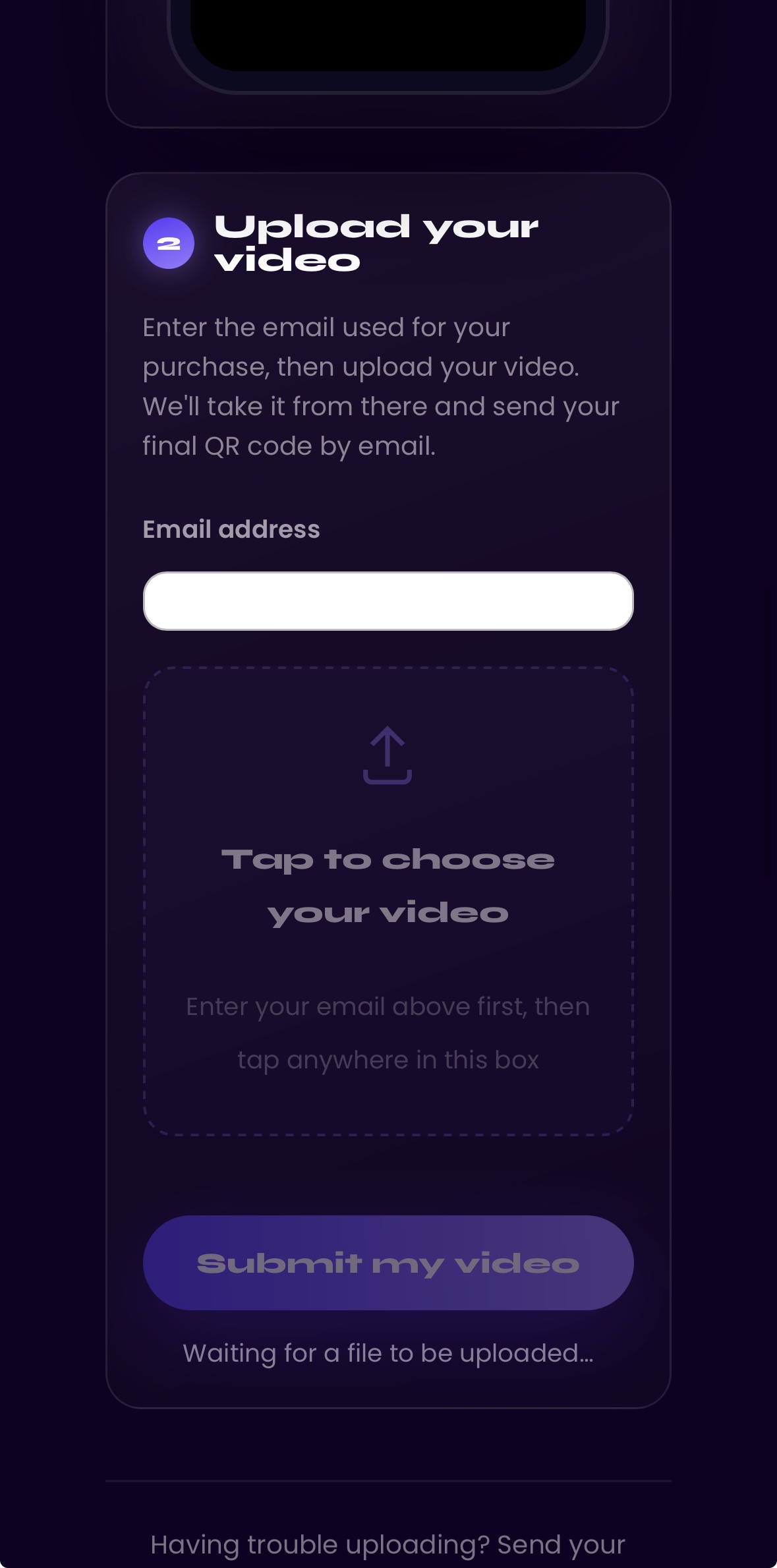
    Film each dish with a slow 360° rotation — about 2 minutes per plate. No professional equipment needed, your iPhone is perfect. Upload the videos directly through the form and we take care of the rest.

  4. Step 4 Delivery

    We build your interactive 3D menu from your videos. If you chose Subscription, we launch and manage everything. If you chose One-time payment, we deliver your 3D menu + a short 2-minute video showing you how to install it easily.

  1. Step 1 Choose your plan

    Select the Immersive Dish Experience (in the 3D Menu page), only available with a subscription.

  2. Step 2 Receive the form by email

    After your purchase, you receive an email with a short form to fill out. In this form, you will be asked to provide the dishes you would like to have in 3D, along with key information about your restaurant.

  3. Step 3 send videos of your dishes via the form

    Film each dish with a slow 360° rotation — about 2 minutes per plate. No professional equipment needed, your iPhone is perfect. Upload the videos directly through the form and we take care of the rest.

  4. Step 4 Delivery of your QR codes

    We build your custom 3D QR codes from the videos and we deliver your QR code. Customers point their phone at the QR code on your table and see your dish appear in real-scale 3D right in front of them.

Start now
No equipment needed — your iPhone is perfect.
  1. Step 1 Choose your 3D Object plan

    Select the 3D Object. Turn any physical product into an 3D QR code: furniture, shoes, jewelry, decor and more.

  2. Step 2 Receive your secret access code by email

    After your purchase, you receive an email with your unique access code. Keep it safe — you'll need it to unlock your upload on the 3D Object page.

  3. Step 3 Enter your code on the 3D Object page

    Go to our 3D Object page, enter your secret code to unlock your private upload zone. Then upload a video of your dishes captured from all angles — about 2 minutes per dish.

  4. Step 4 Receive your 3D QR code

    Our team processes your 3D model and delivers your 3D QR code within 7 days. Customers scan it and see your product appear in real size on any surface.

Start now
No equipment needed — your iPhone is perfect.